How to Get Started
This page guides you through getting started with StereumLabs, including account registration, plan selection, creating and managing Grafana users, logging into Grafana, and accessing dashboard descriptions.
1. Click "Login"
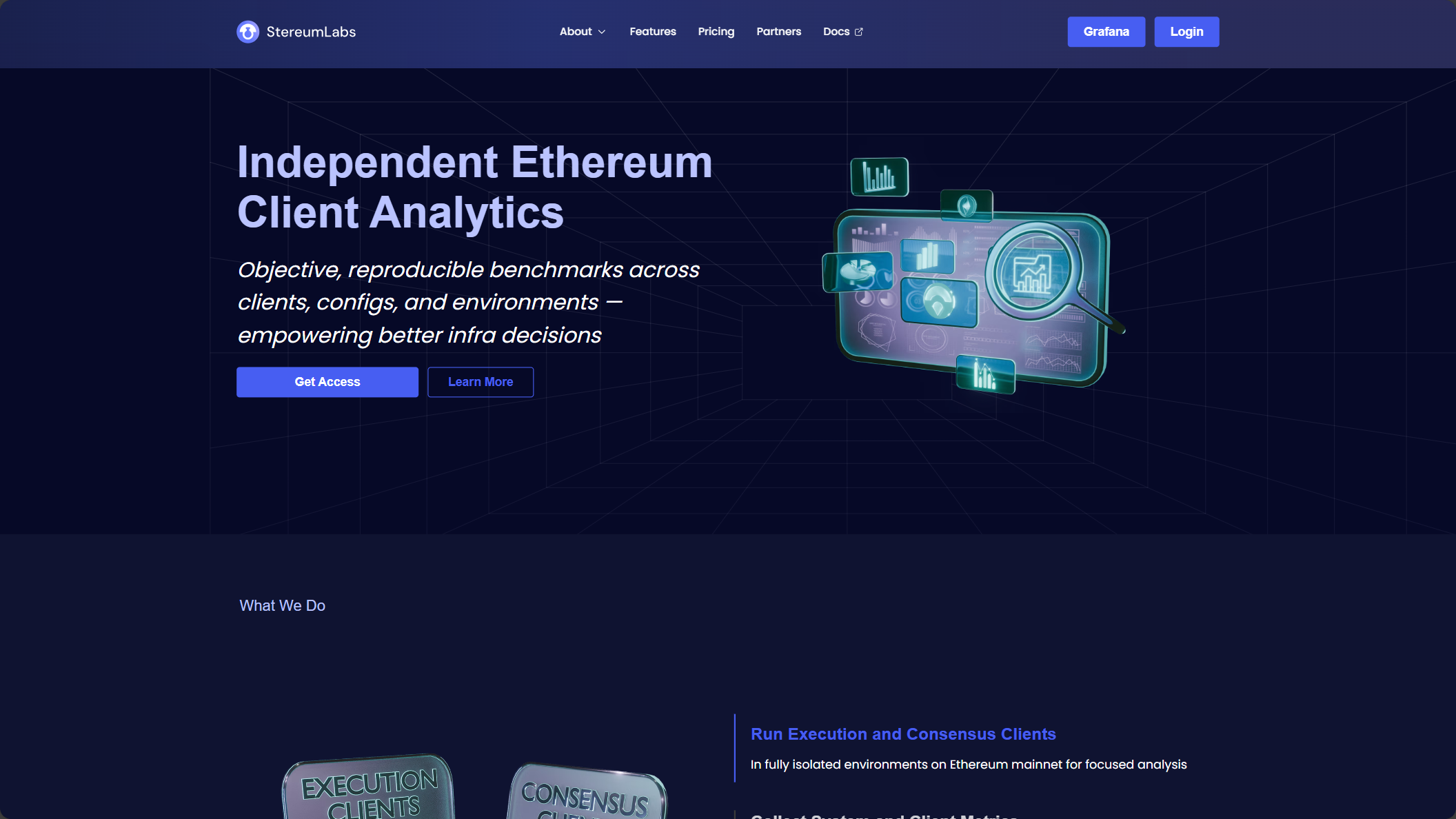
2. Create an Account
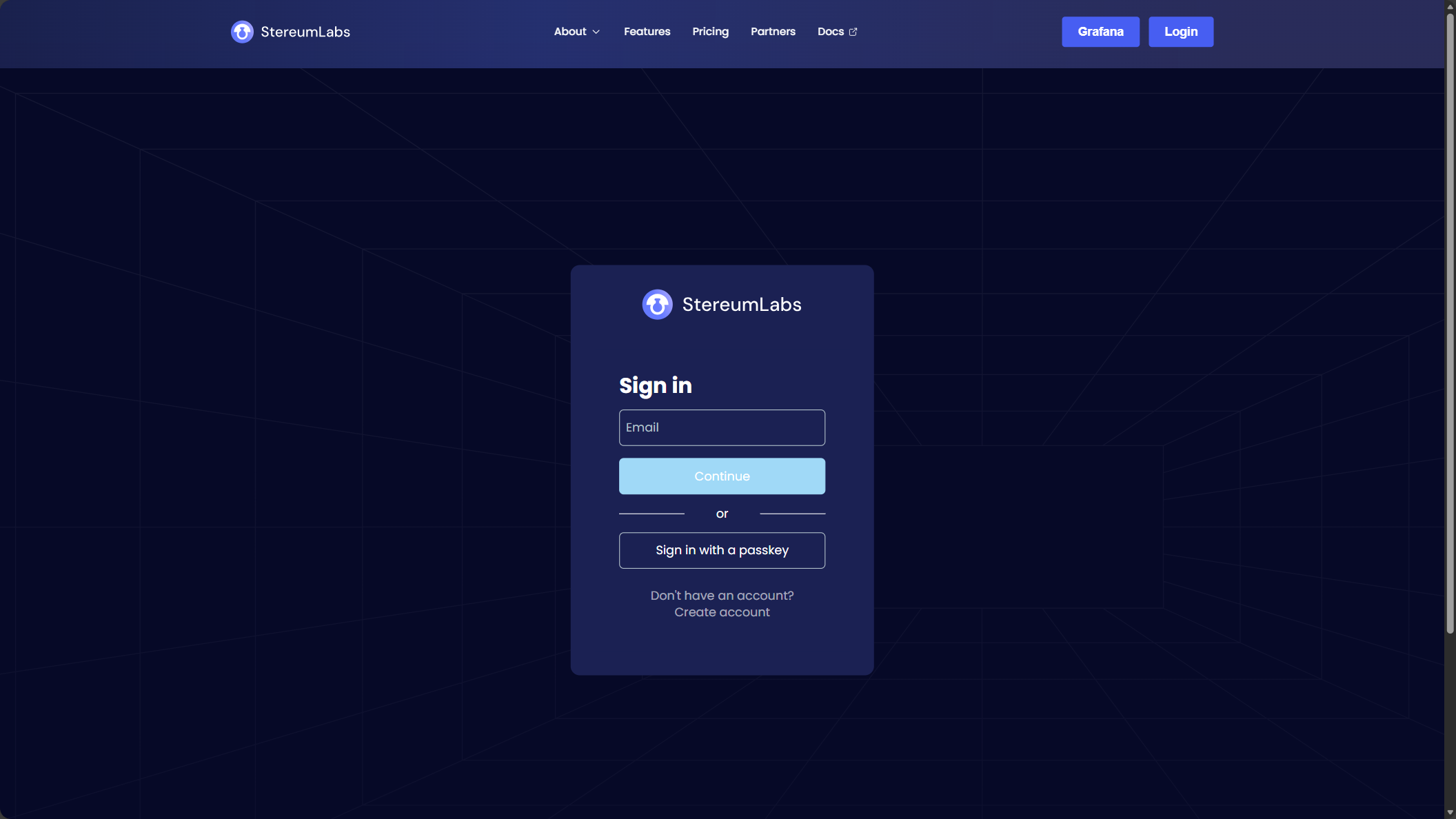
3. Enter Your Email
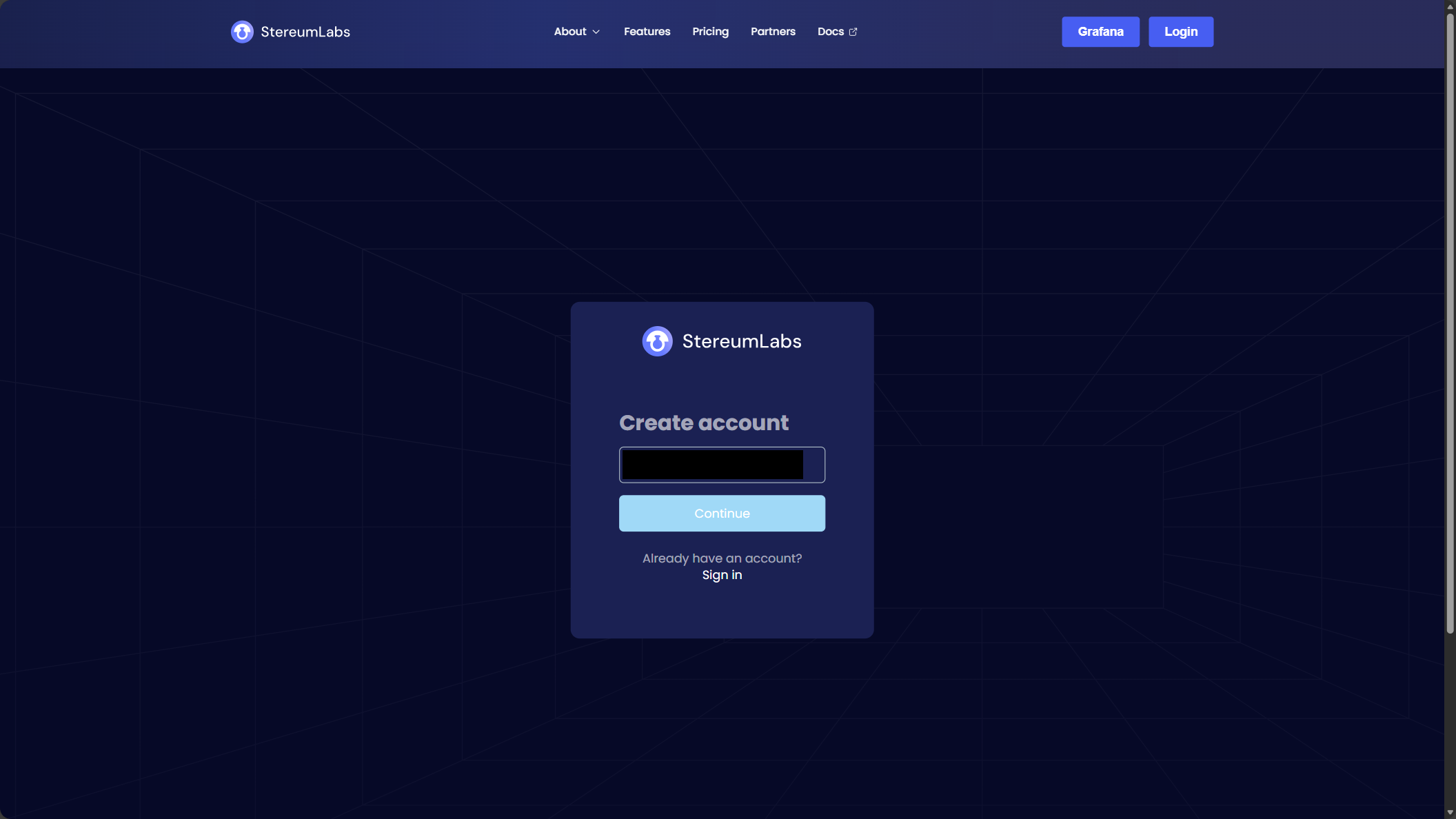
4. Verify Your Email
Enter the verification code sent to your email address.
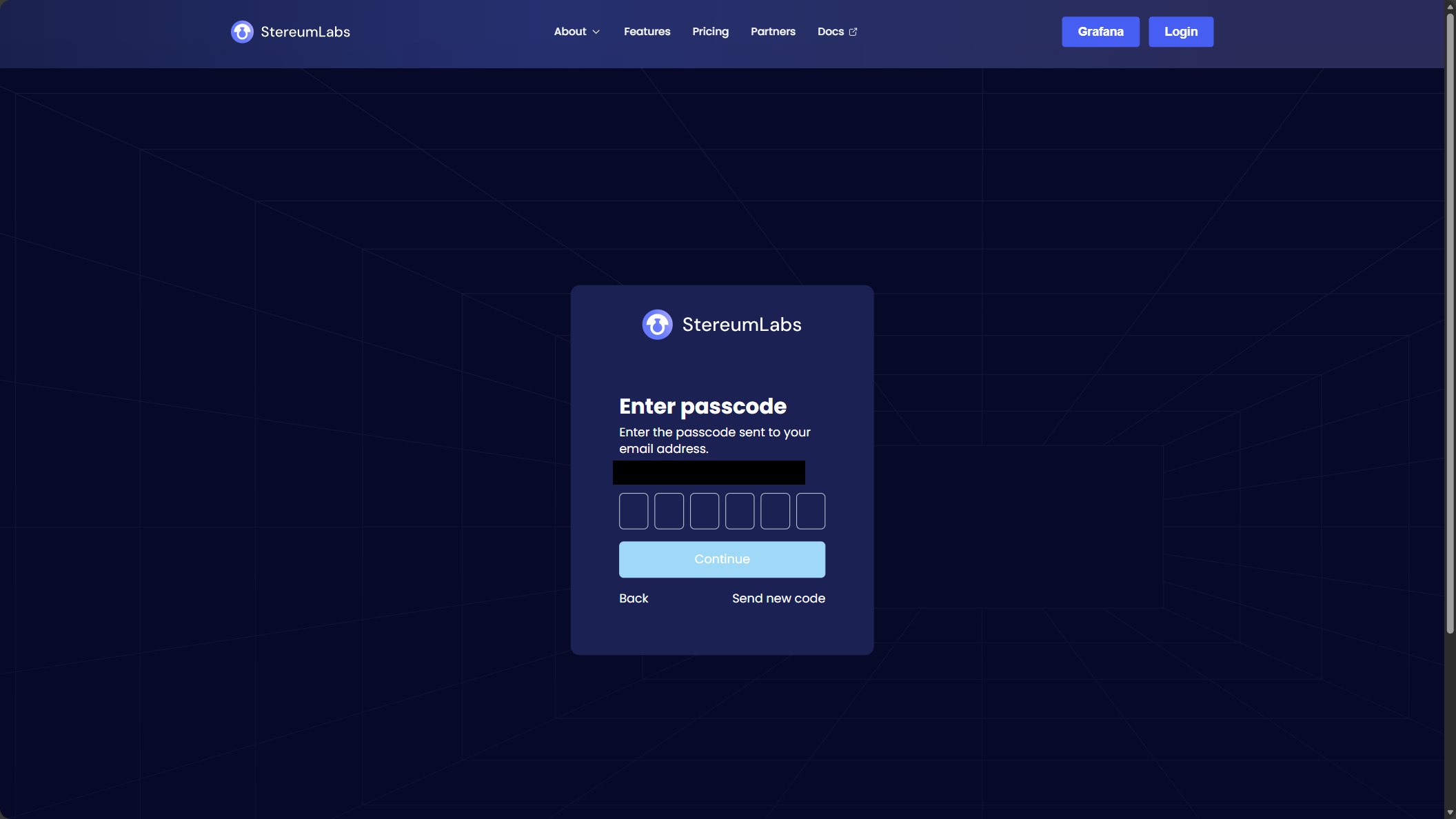
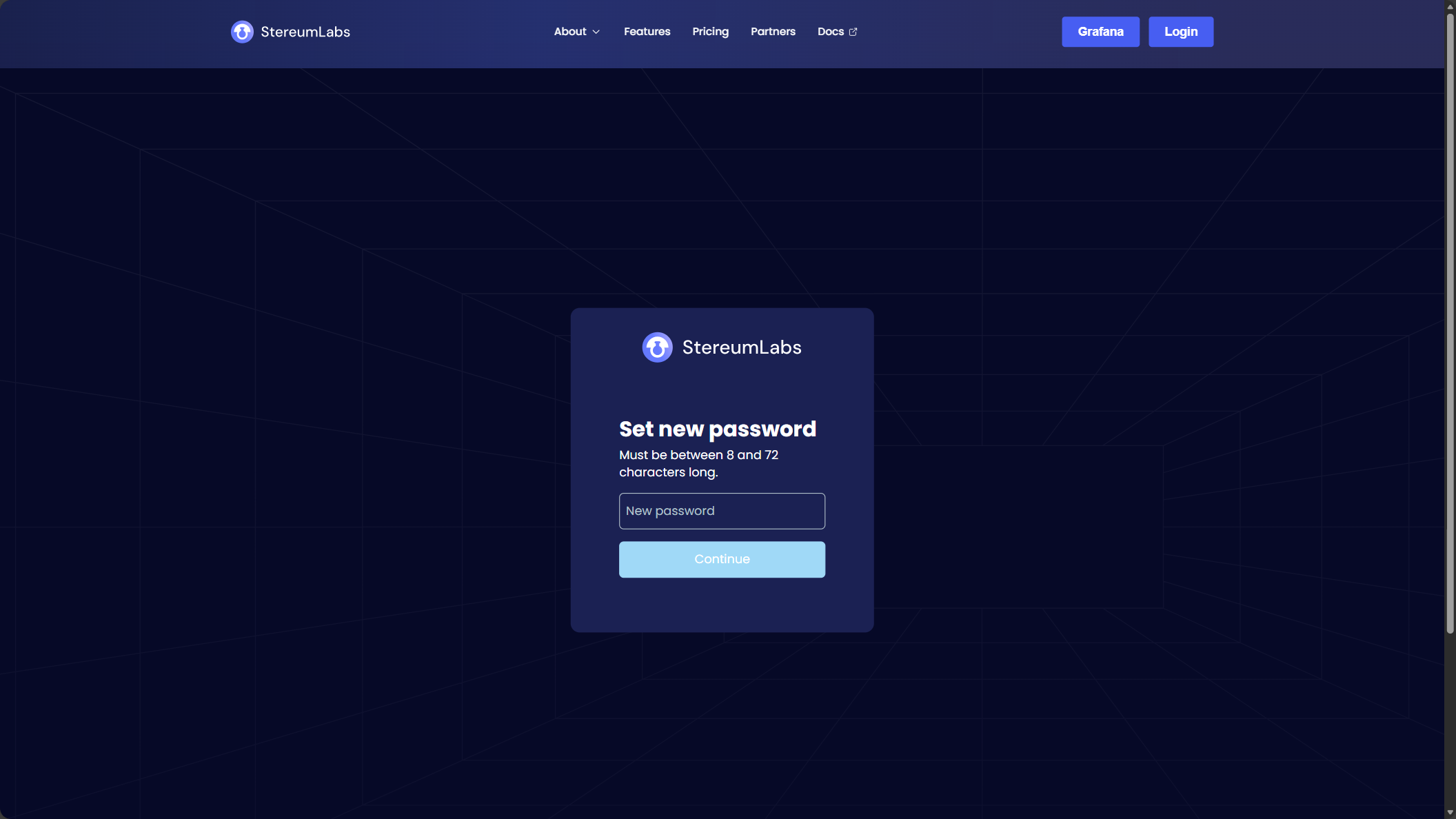
5. Set a Password
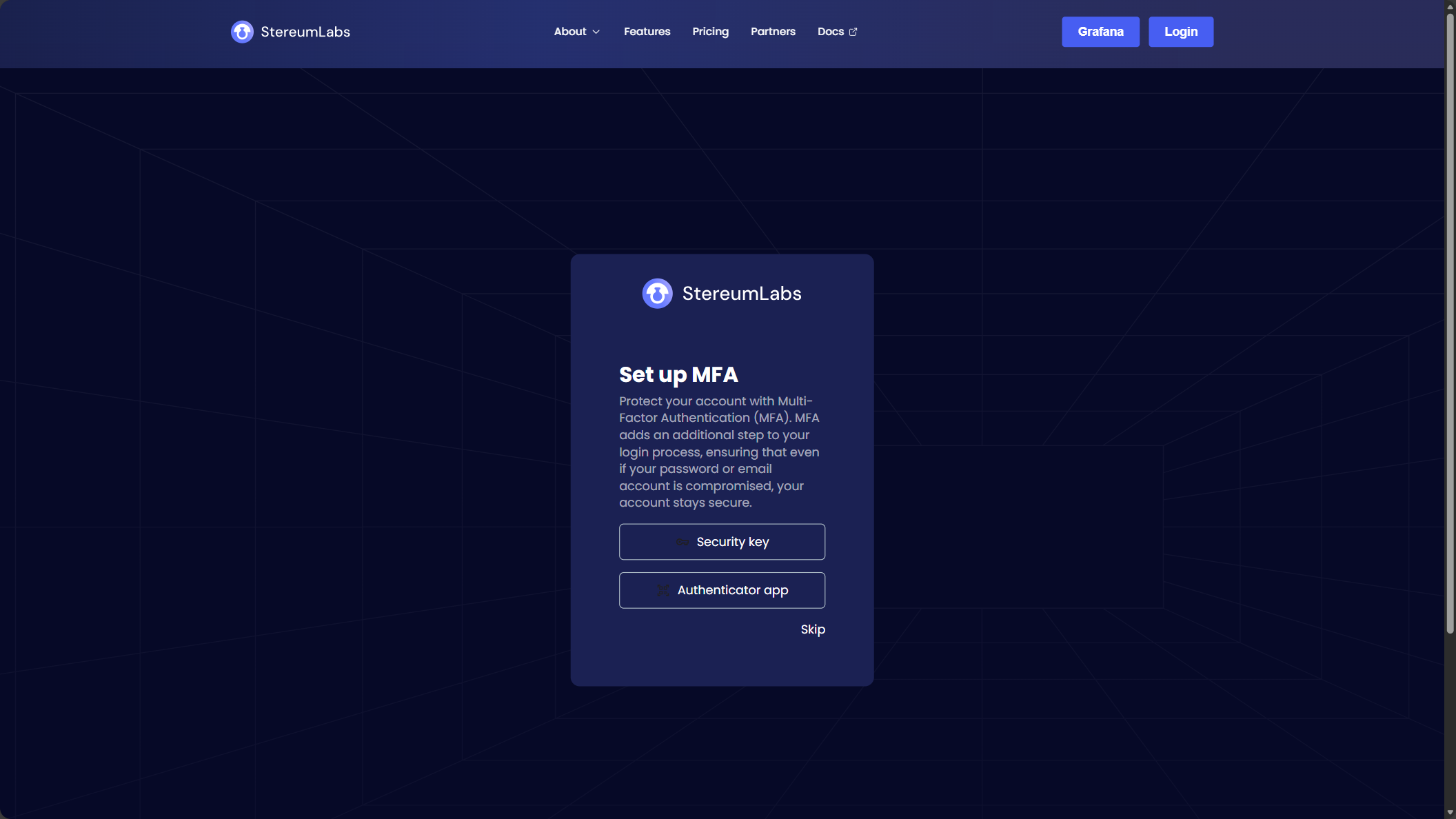
6. (Optional) Set Up Multi-Factor Authentication
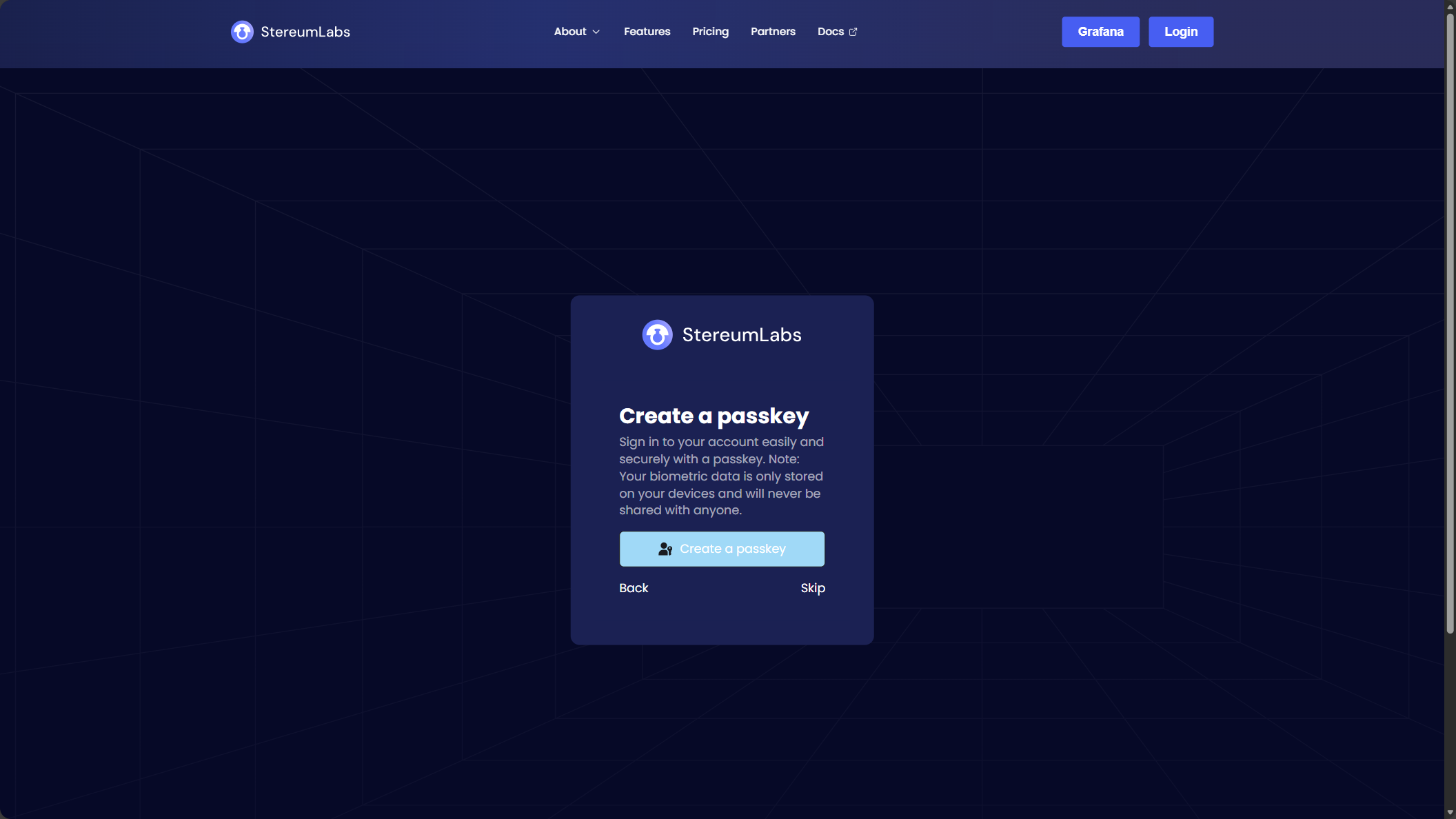
7. (Optional) Create a Passkey
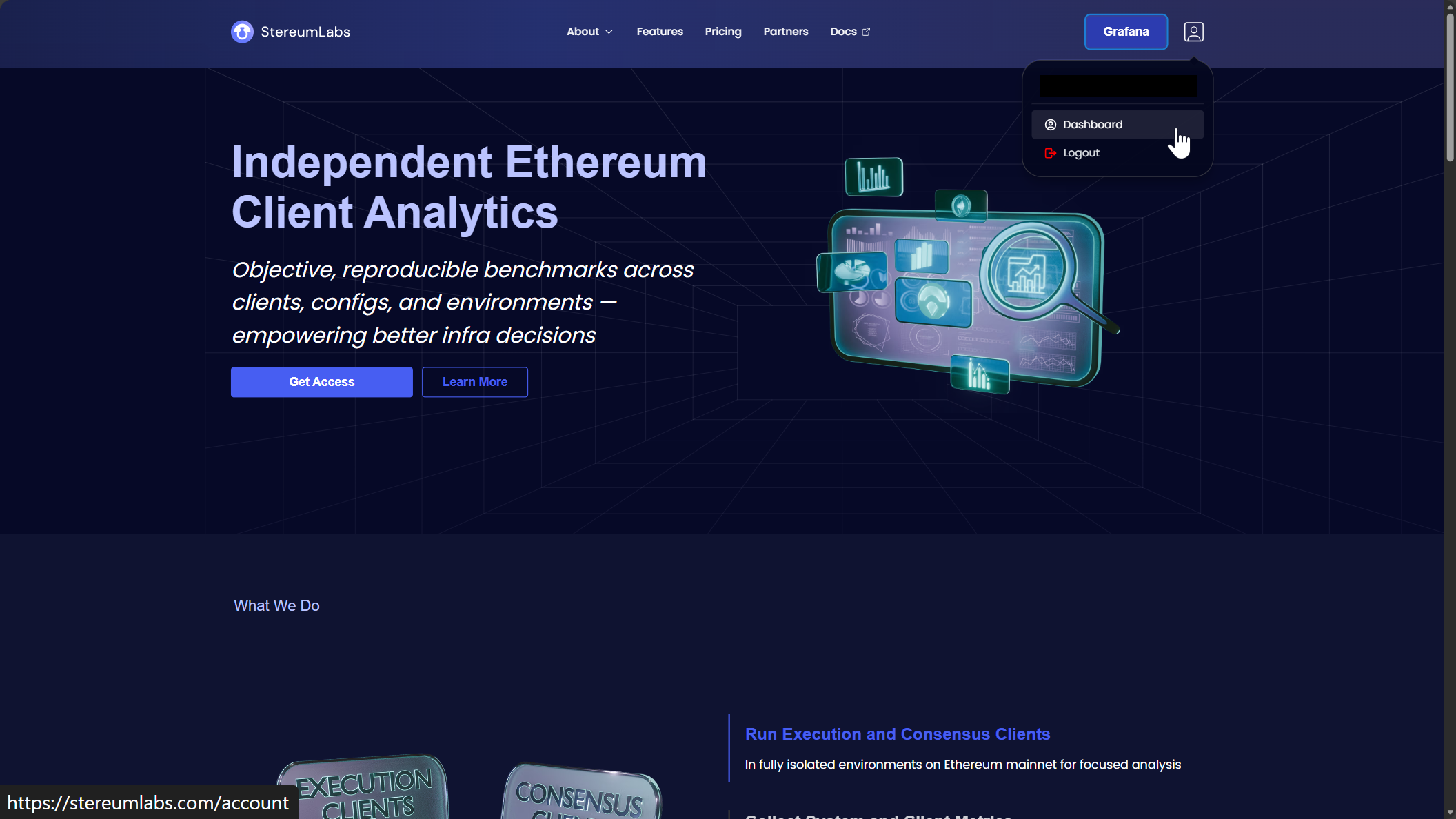
8. Go to the Dashboard
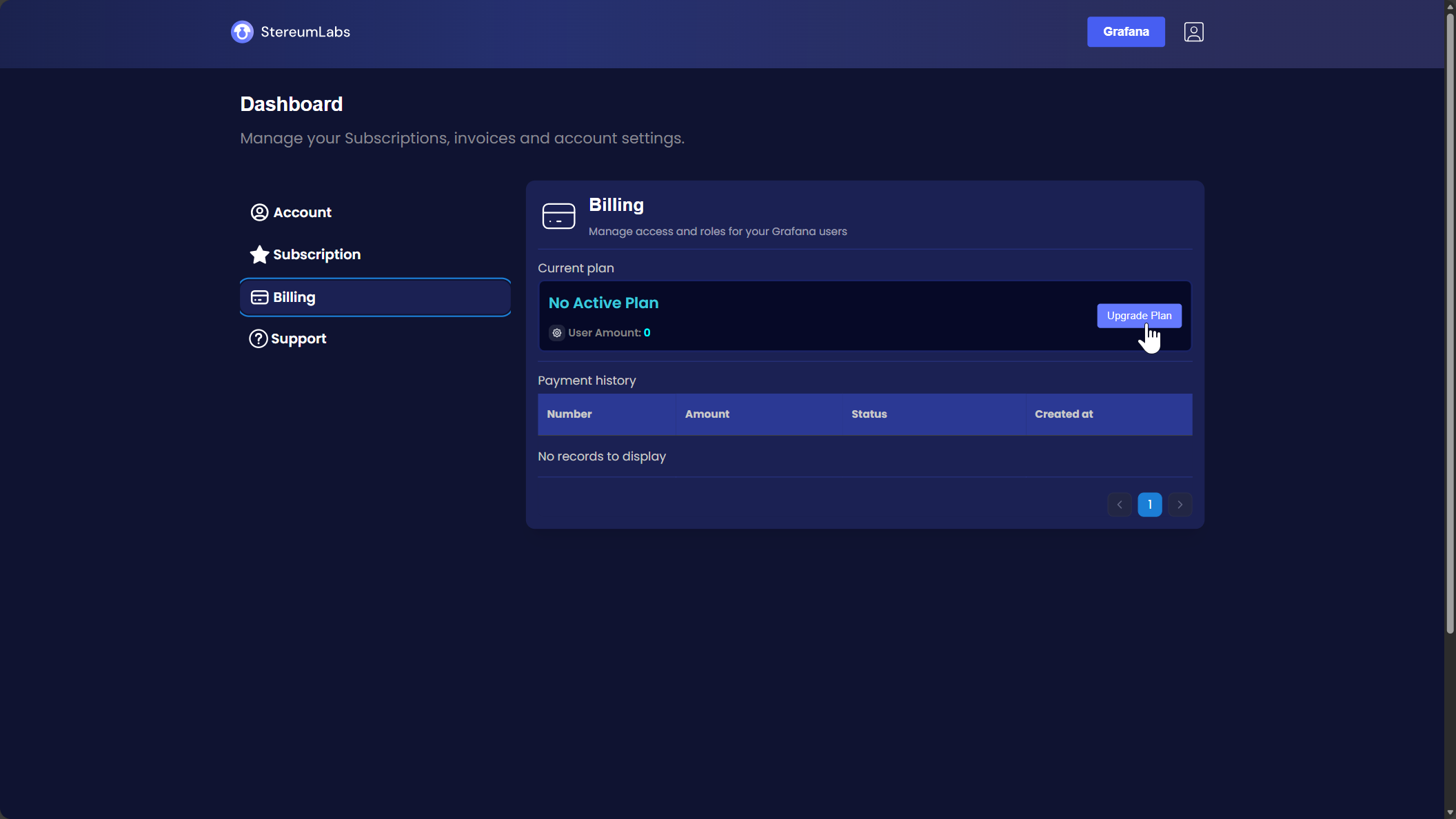
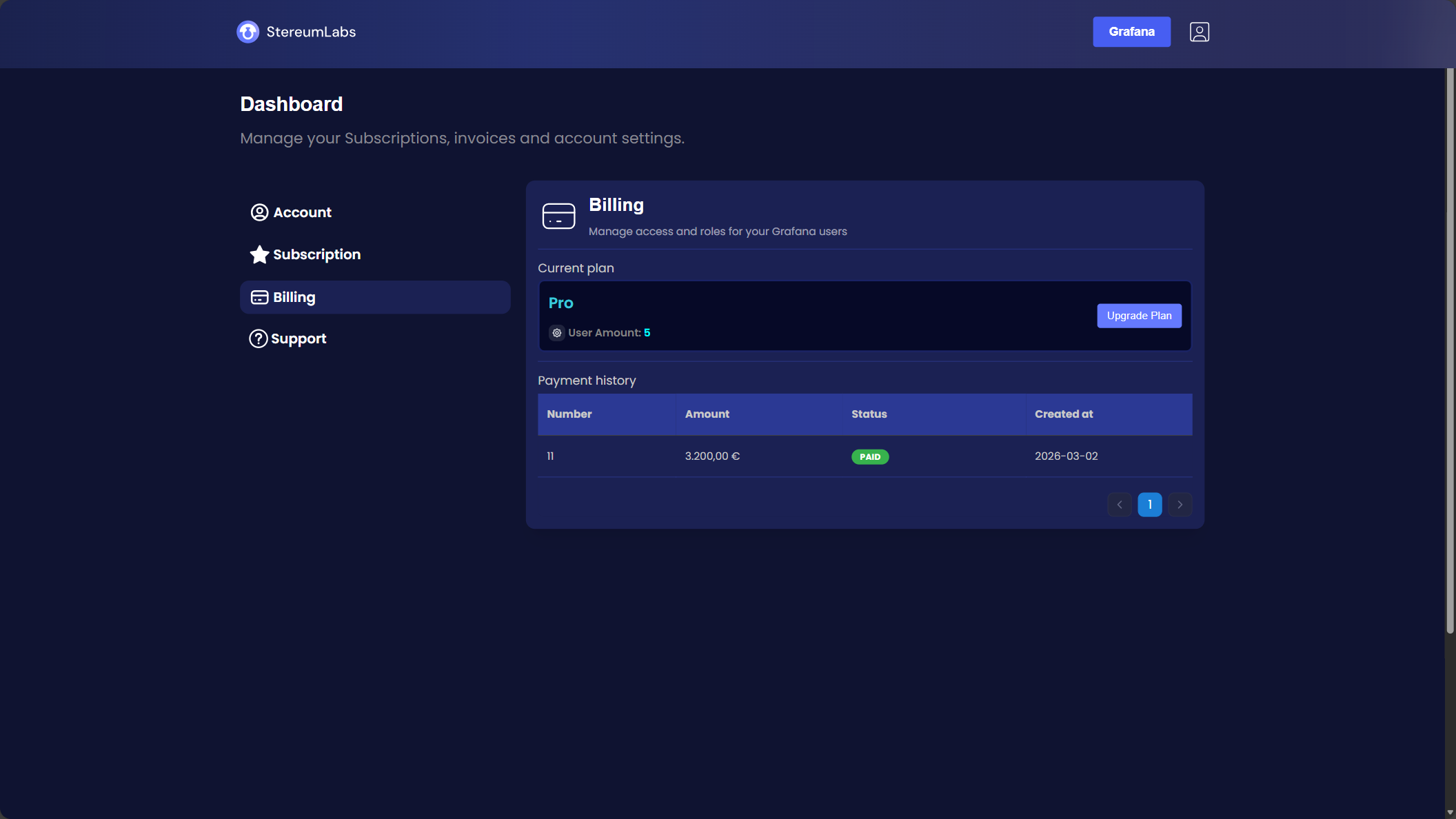
9. Upgrade Your Plan
Navigate to Billing and click "Upgrade Plan".
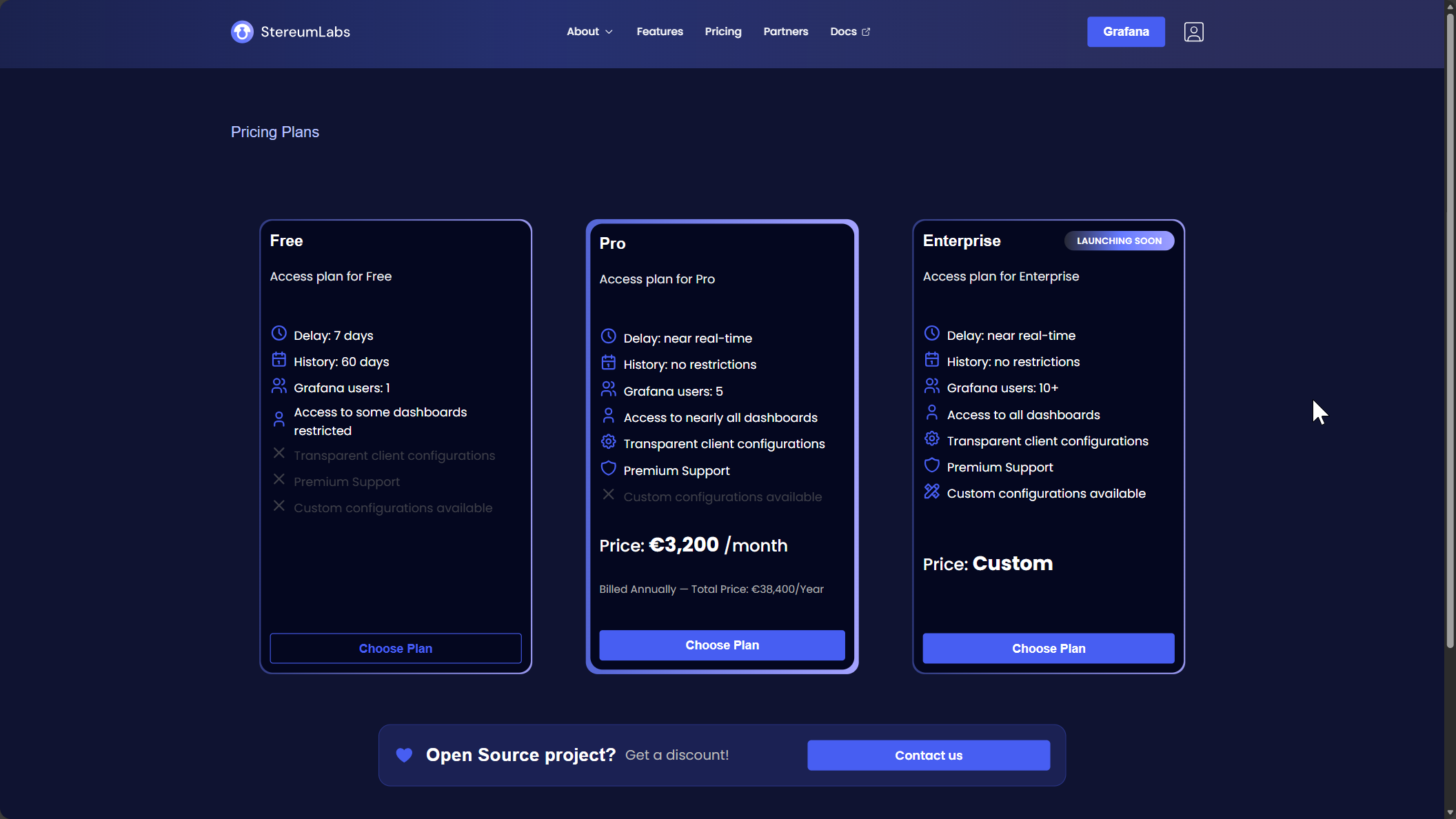
10. Choose a Plan
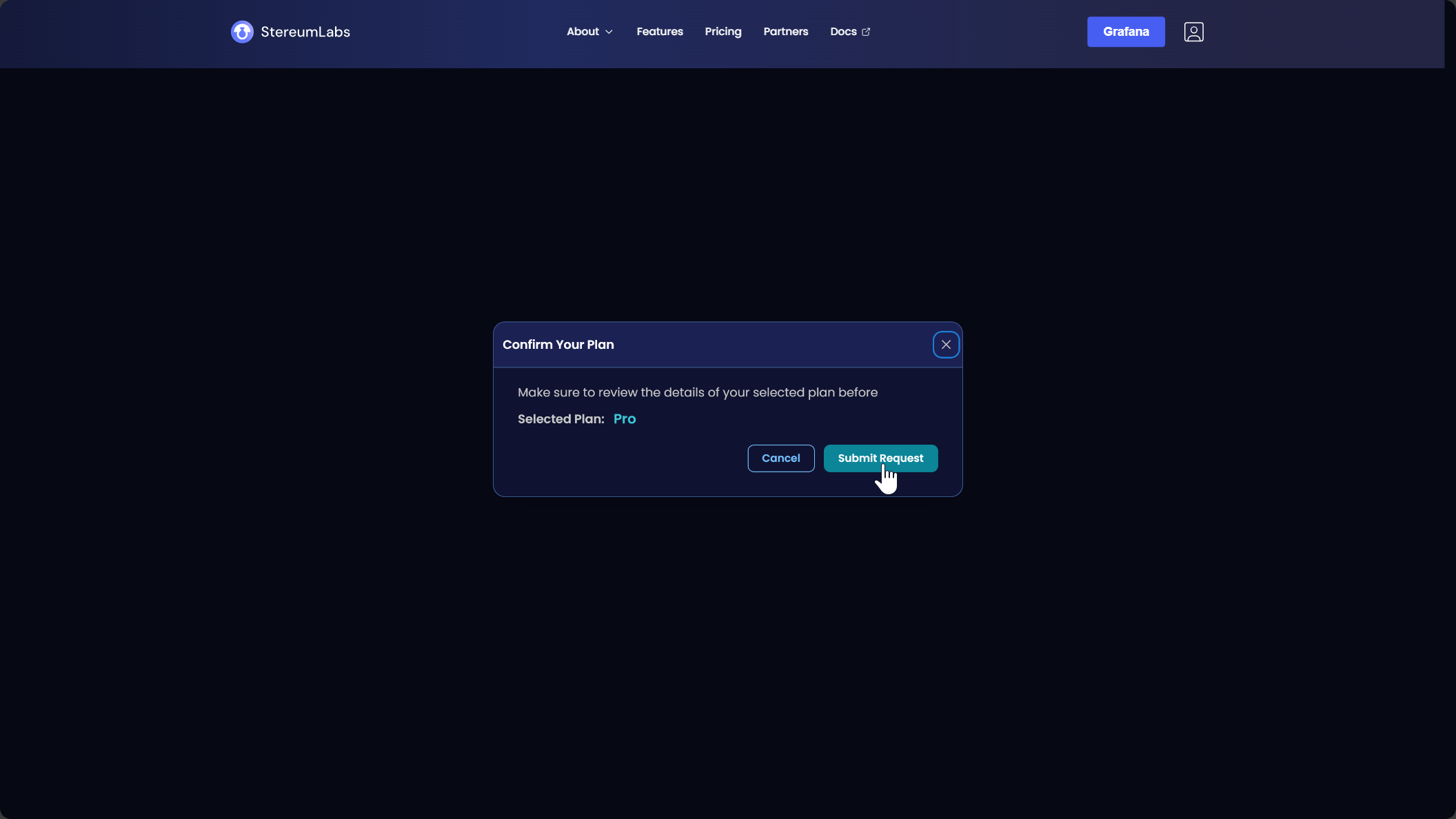
11. Submit Your Request
Click "Submit Request" to proceed.
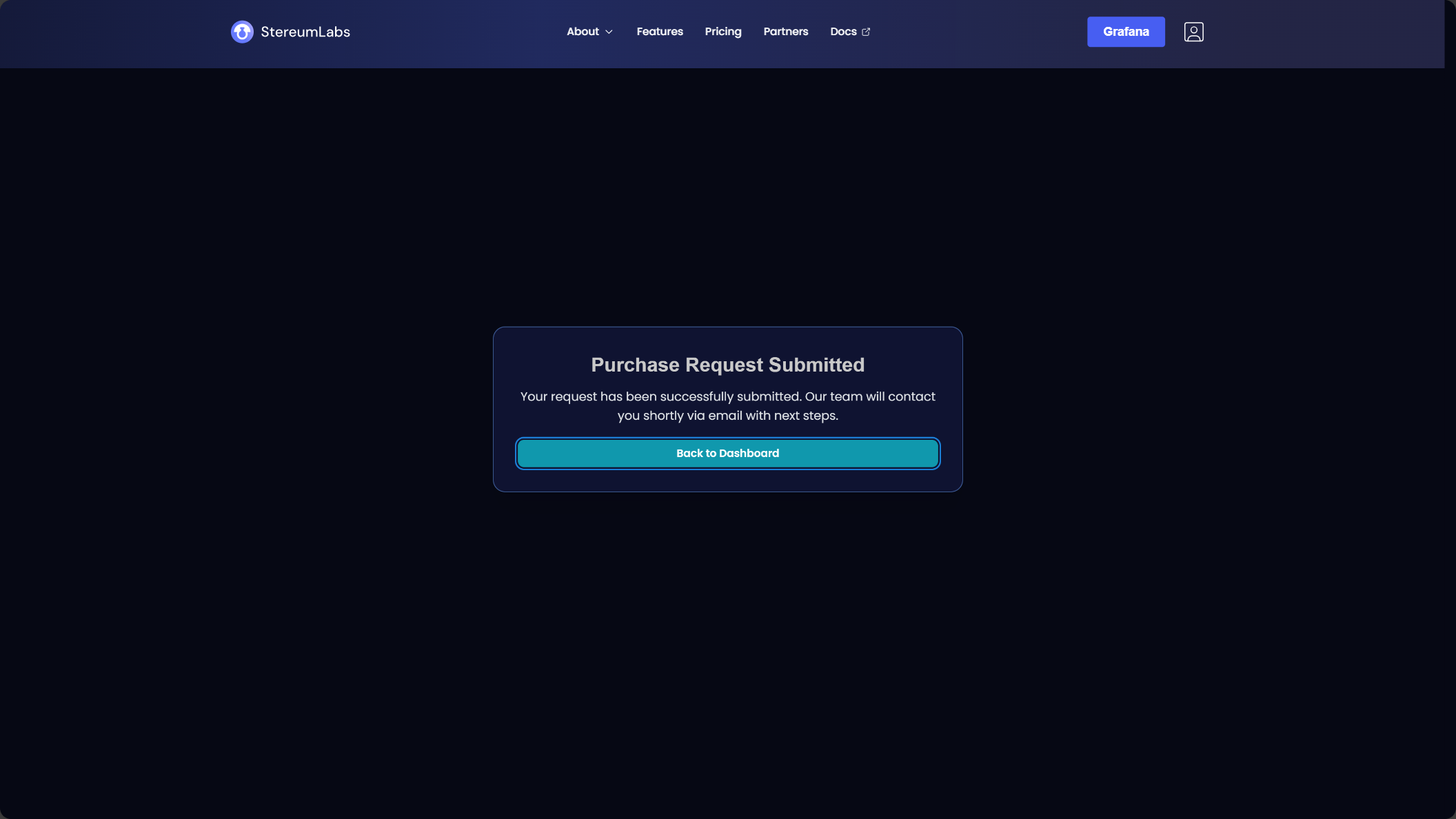
12. Complete Payment
You will receive an email with a payment link for your selected plan.
13. Review Your Plan
Check your current plan and the number of users here.
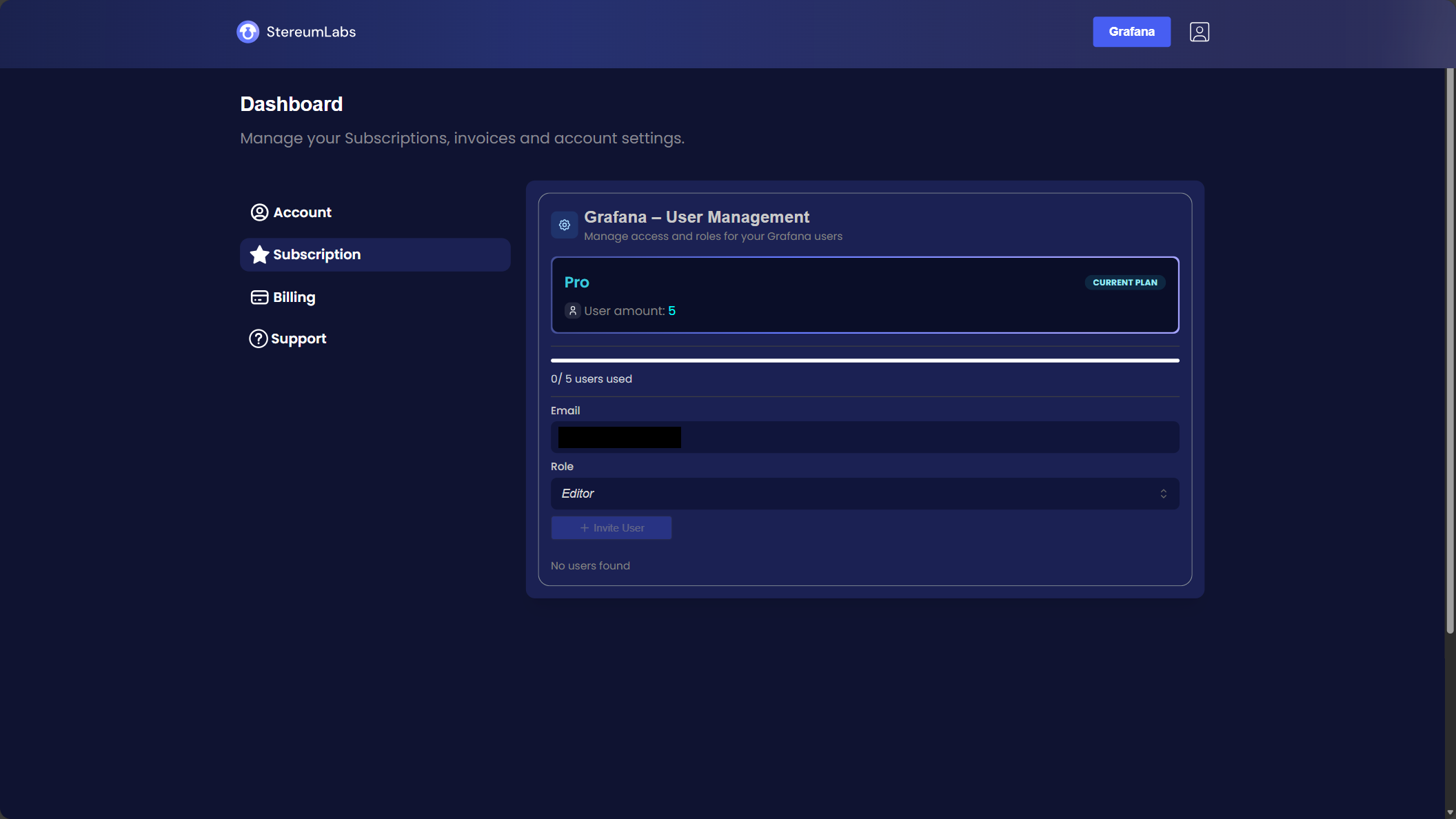
14. Add Users
Go to "Subscription" to add your users.
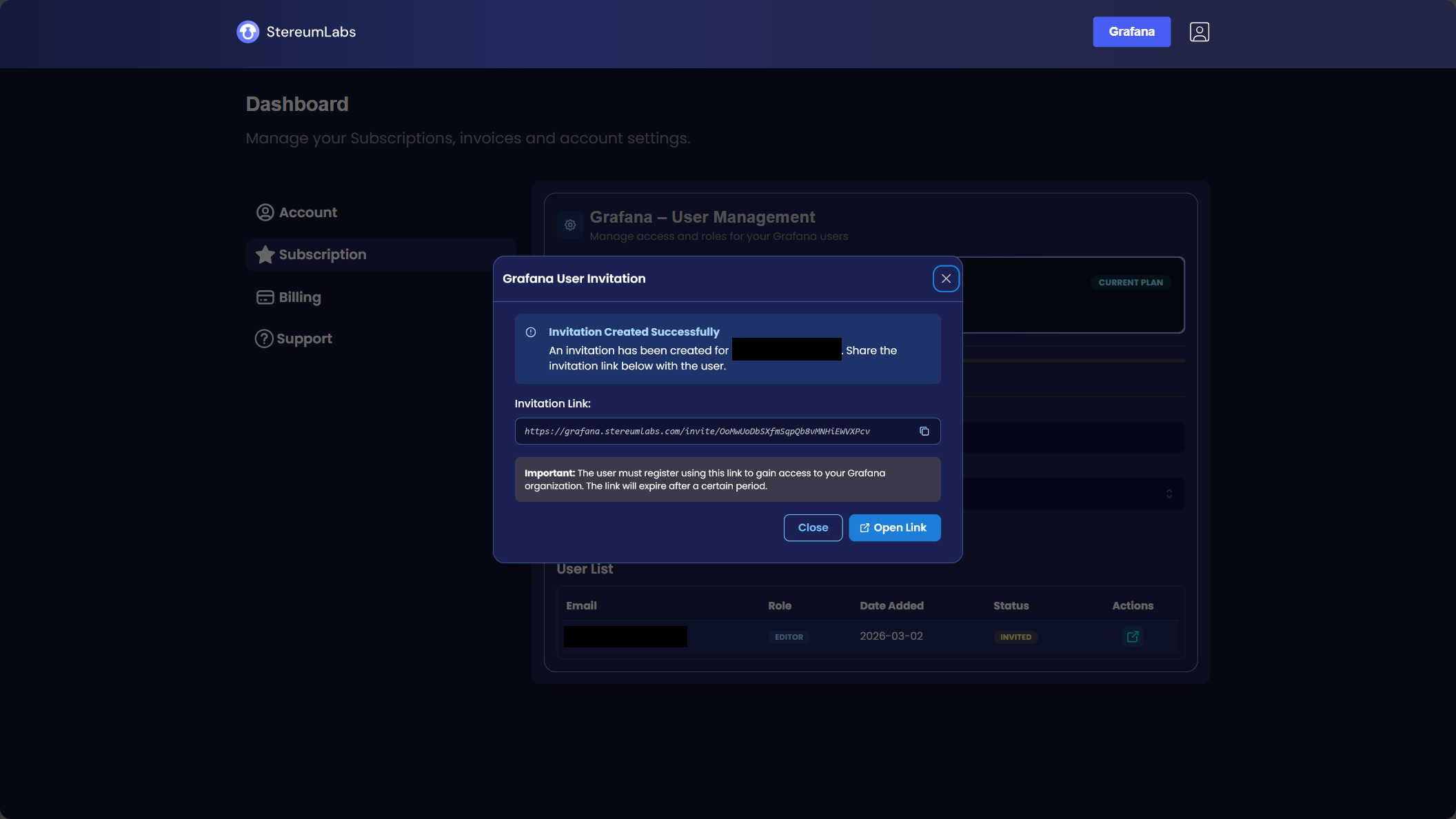
15. Invite Your User
Share the generated invite link with your new user.
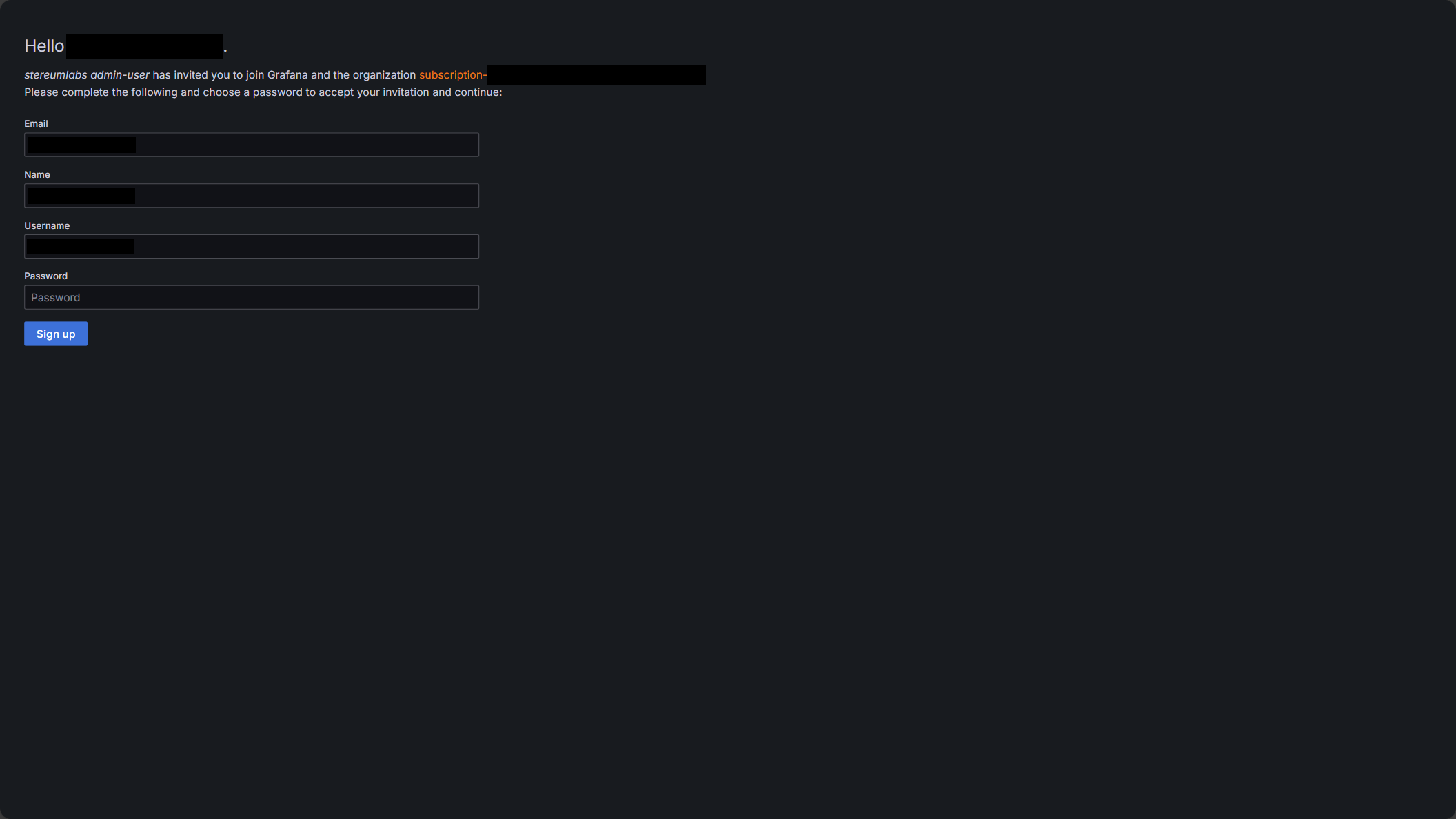
16. Set User Credentials
The new user can choose their username and password.
17. Await Dashboard Access
You will receive access to our dashboards shortly.
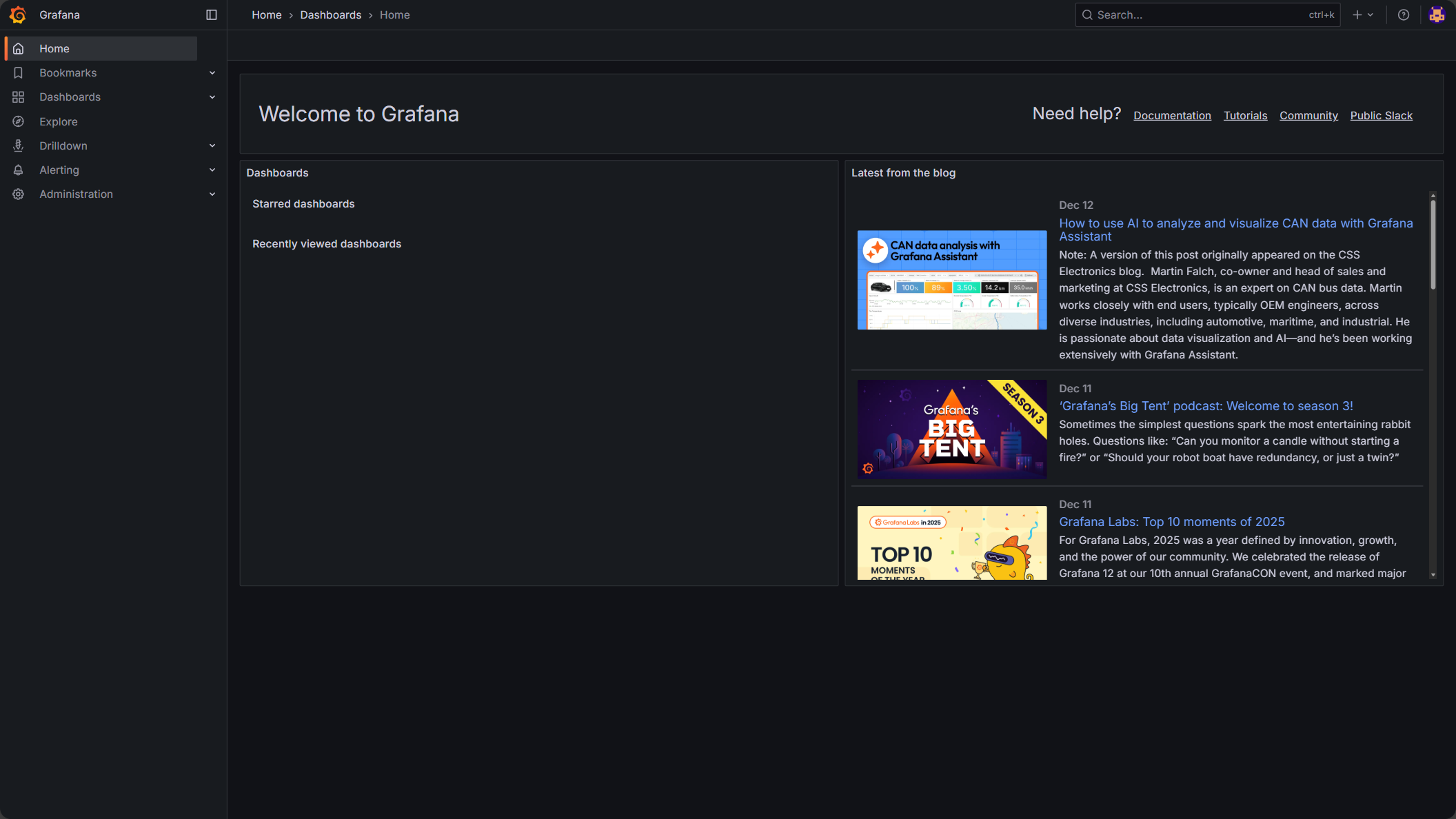
18. View Dashboards
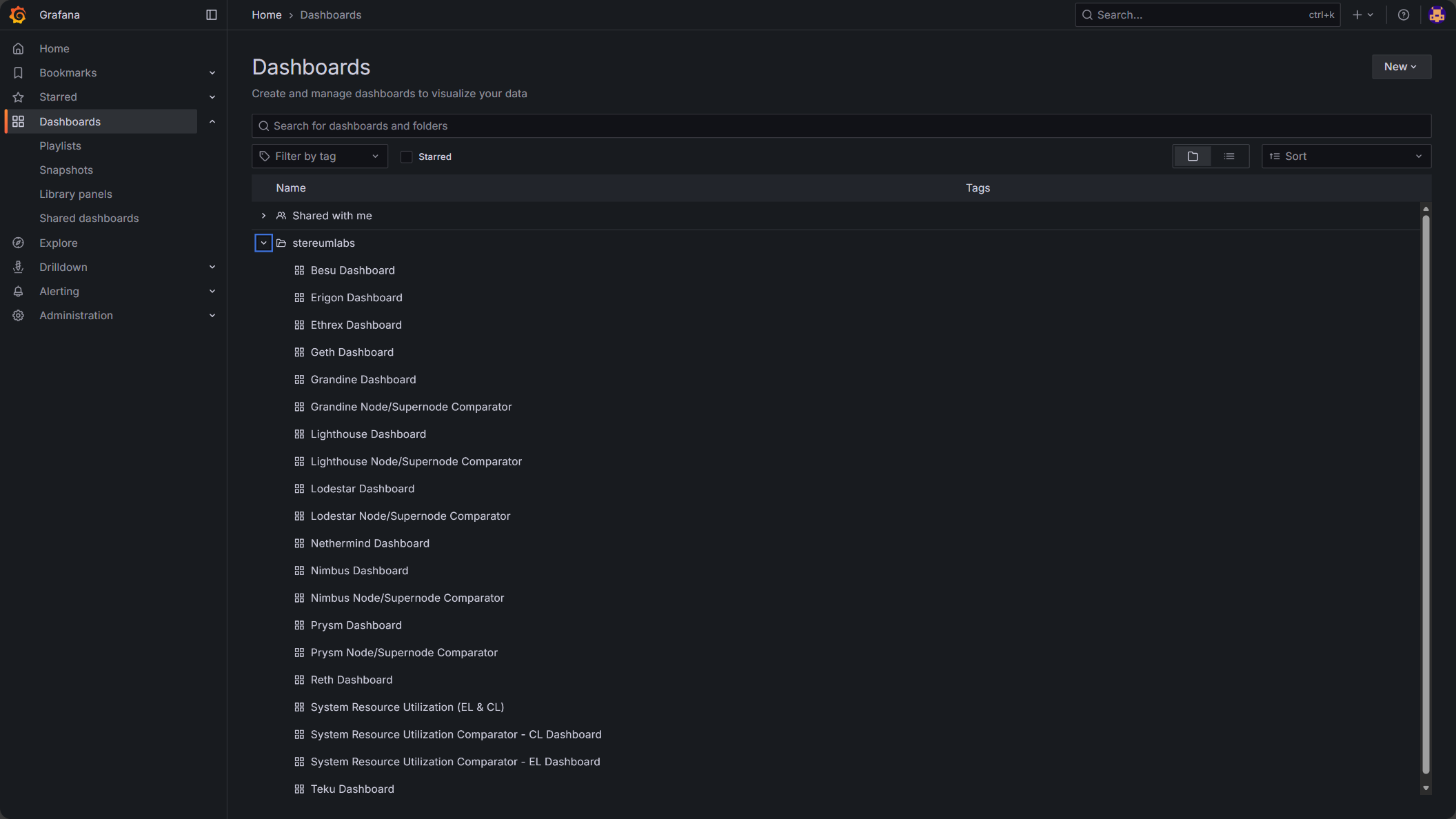
Under "Dashboards", you can browse and open all available dashboards.
Change control for this page: material edits will be logged in the global Changelog with a short rationale and effective date.